User guide
What each person does with the platform, in the order they usually meet it. What you can see is limited to the applications of the units you belong to; anything else looks as if it did not exist.
Getting around: the sidebar groups the pages into Posture, Governance, Reports and Settings, and shows only the pages your role can use. Press ⌘K (Ctrl+K) to jump to an application, a page or a CVE. Every page has its own address, so a link you share opens the same view, tab included. The account menu (top right) sets the theme (light, dark or your system's) and signs you out.
Everyone: reading the posture
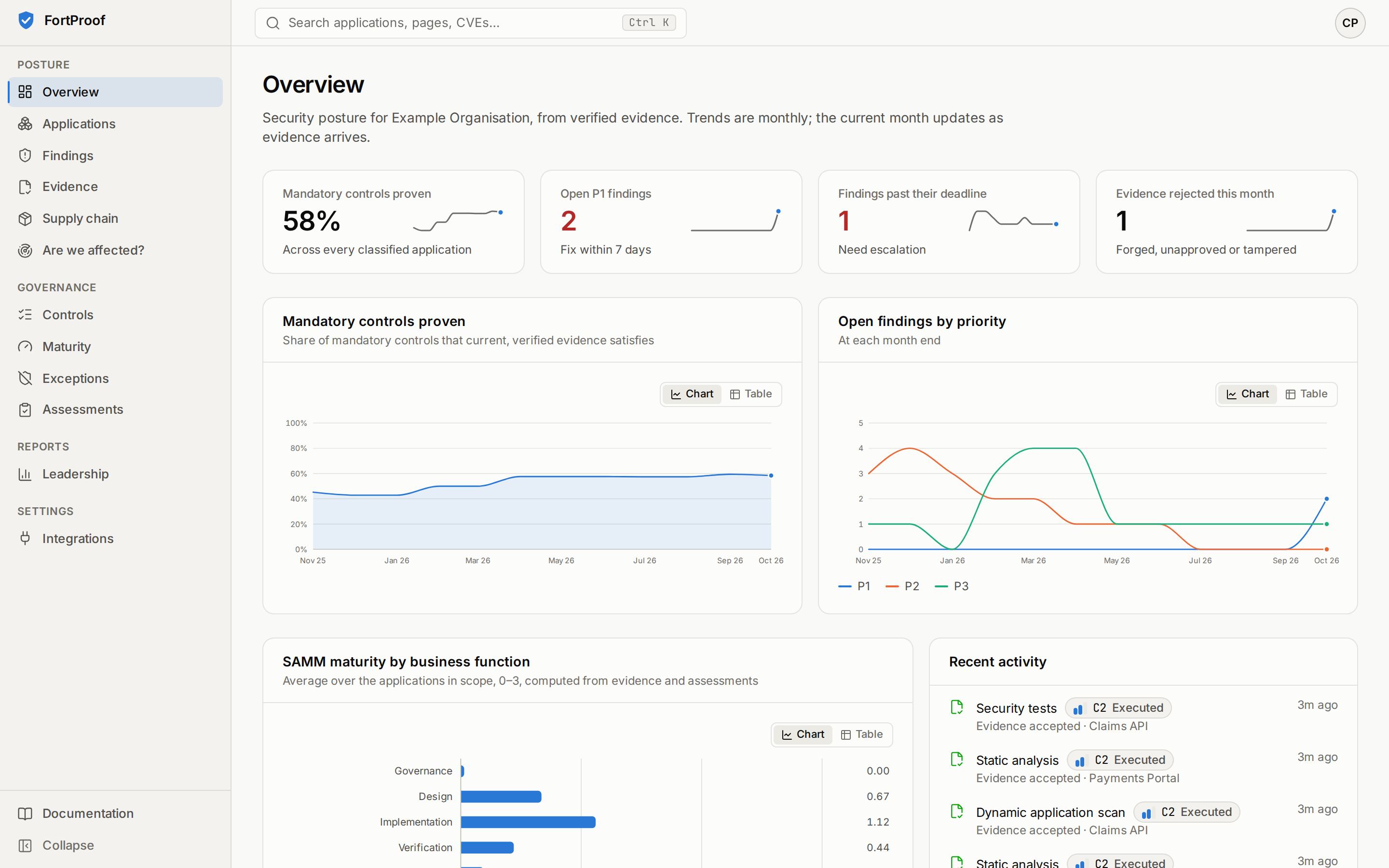
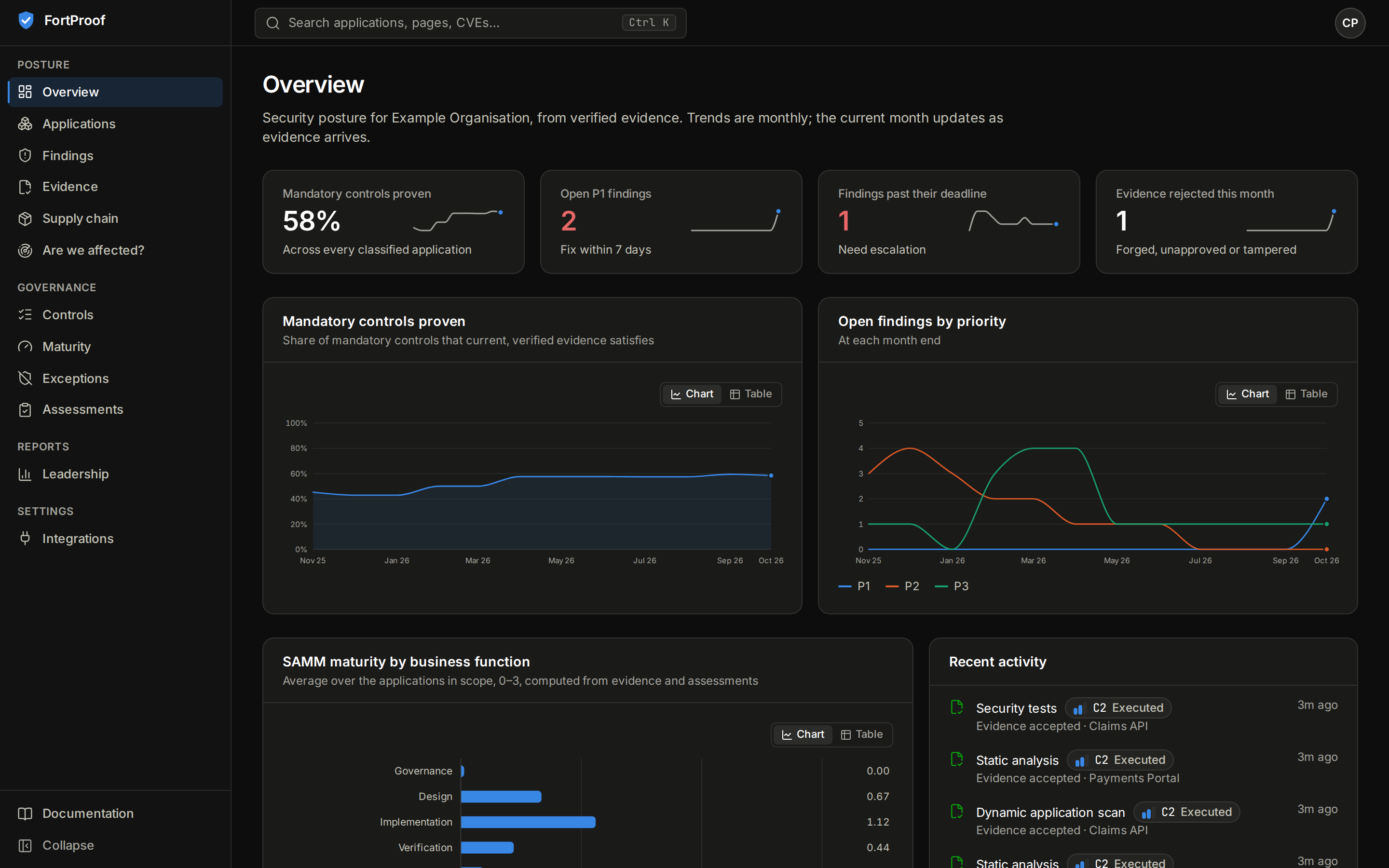
- Overview shows your scope at a glance: mandatory controls proven, open P1 findings, findings past their deadline and rejected evidence, each with twelve months of history. The current month updates as evidence arrives; earlier months are published and never change.
- Tier (1 critical … 4 low) comes from the application's own classification answers; "Why Tier N?" on the application page shows the points and the rules that set a minimum.
- Mandatory controls proven counts controls satisfied by current evidence. States: satisfied, partial, not satisfied, stale (evidence too old or from an older commit), no evidence, excepted, not applicable, not evaluated. Each state comes with its reason.
- Evidence behind every state shows who produced it (an approved pipeline at a commit, a connector, a person), its confidence (C0 to C3 automated, M1 and M2 manual), when it was observed, and how it was verified, step by step.
- Findings carry a contextual priority (P1 to P4) and a deadline (P1 7 days … P4 180 days). Only a re-scan closes a finding.
Security champions and engineers
| Task | Where |
|---|---|
| Register your application | Applications → Register an application: read .security/application.yaml from the repository (GitHub or GitLab), or paste it. Tier 1/2 waits for AppSec; Tier 3/4 is approved automatically |
| Get scan evidence | Add the caller workflow (GitHub) or the component include (GitLab) your AppSec team publishes (pipelines). Evidence appears after the next run on the default branch |
| See what still needs evidence | Application → Overview: "Needs attention" lists every mandatory control that current evidence doesn't prove, with the reason |
| Check what you depend on | Application → Supply chain: the current SBOM, component by component, with known vulnerabilities |
| Triage a finding | Findings (or the application's Findings tab) → a finding → Triage; or Request false positive with a justification (an AppSec engineer confirms; never the requester) |
| Accept a risk for now | Application or finding → Request exception: justification, risk, residual priority, remediation plan. Submit the draft; Tier 1/2 also needs the business owner's co-signature. The exception page shows where its approval stands |
| Record a manual check | Application → Start assessment (manual control, threat model review, architecture review, penetration test, SAMM interview). You record and submit; someone else reviews |
AppSec engineers
| Task | Where |
|---|---|
| Approve classifications | Application → "Why Tier N?": Approve Tier N (only if you did not request it and are outside the owning team) |
| Decide exceptions | Exceptions → one waiting for a decision: approve with an expiry within the policy maximum, or reject. The approver level it needs is shown |
| Review assessments | Assessments → one waiting for review → Decide. Approving from outside the owning team makes the evidence M2 (independent), from inside it M1 |
| Confirm false positives | Finding → Confirm false positive |
| Check rejected evidence | Evidence → Rejected: every refused submission with its reason (untrusted producer, unapproved workflow version, tampered files, wrong binding, failed signature) |
| Answer "are we affected?" | Are we affected? → a CVE, GHSA or OSV id. Applications without a current SBOM are listed as possibly affected, never as safe |
| Look up a component | Supply chain → Find a component: which versions are in use, by how many applications, with known vulnerabilities |
| Understand a control | Controls → a control: what it requires, what counts as proof, which tiers must have it, its framework mappings, and its state in each application |
Unit leads and leadership
- Leadership report: the scorecard for your scope, monthly trends, applications meeting their maturity target by tier, and how SAMM practices spread across applications. Export gives CSV files of open findings or control states (audited); Print or save as PDF leaves out the navigation.
- Maturity: SAMM scores by organization unit and month, as a distribution across applications, never a ranking.
- Unit leads approve the exceptions their role allows at their applications' tier (each exception shows the level it needs).
Platform administrators
- Overview starts with a Get started checklist: sign-in, source control, the shipped pipelines and the first application. A step is ticked only when the platform can see it done.
- Integrations: each plugin's health (configured, last run, what it couldn't read) and a set-up guide: the settings still missing (names only), the set-up step, and a check that it works. Settings and secrets are never entered in the UI; they live in the deployment's environment or secret store.
- Admin: the organization tree (levels from
config/organization.yaml), members of each unit, and role grants (scoped roles need a unit). You cannot change your own roles; platform administrators are assigned in the identity provider. Every change is audited.
What the platform will not do
- Mark a control satisfied because a setting says a scan should run.
- Close a finding because a ticket was closed.
- Let anyone approve their own request, or a request from their own team where independence is required.
- Show you an application outside your scope (you get "not found", by design).